Prompt Engineering for Teams: Getting Consistent Results

The problem with prompts nobody owns
In most organizations, prompting looks like this: someone finds a wording that works, pastes it into a chat window, gets a good answer, and moves on. A week later a colleague solving the same problem writes their own version from scratch. Neither is saved, tested, or reviewed. When the underlying model updates, both quietly degrade and nobody notices until an output is wrong in front of a customer.
That is the difference between prompting as a personal trick and prompt engineering as a team discipline. A prompt that drives a production workflow is a piece of software: it has inputs, expected outputs, edge cases, and a blast radius when it breaks. Treating it that way — reusable, version-controlled, tested — is what separates AI experiments that fizzle from ones that ship. This post covers the techniques that actually move quality, how to manage prompts like code, how to evaluate them, the guardrails they need, and the honest signal that tells you prompting is no longer the right tool.
The techniques that actually move quality
Four techniques account for most of the gap between a mediocre prompt and a reliable one. Master these before reaching for anything exotic.
Be specific, and state the constraints
Vague prompts get vague answers. "Summarize this ticket" invites the model to guess your intent. "Summarize this support ticket in three bullet points for a tier-2 engineer, name the affected system, and flag whether it is a security incident" removes the guesswork. Spell out the audience, the format, the length, and what to do when information is missing — for example, "if the customer's environment is not stated, write UNKNOWN rather than inferring it." Most prompt failures are not model failures; they are unstated requirements.
Show examples, do not just describe
Telling a model what you want is weaker than showing it. Two or three worked examples — an input paired with the exact output you would accept — pin down tone, format, and edge-case handling far more precisely than a paragraph of instructions. This is few-shot prompting, and it is the highest-leverage move available for classification, extraction, and formatting tasks. Choose examples that cover the tricky cases, not just the easy ones: include the ambiguous ticket, the malformed invoice, the record with a missing field.
Force structured output
If a downstream system consumes the result, do not let the model return prose. Ask for a defined schema — JSON with named fields, a fixed set of labels, a delimited table — and state the allowed values explicitly ("priority must be one of low, medium, high, critical"). Structured output is what makes an AI step composable with the rest of a pipeline instead of a paragraph a human has to re-read. It also makes evaluation tractable: you can check fields programmatically.
Ground the model in your context
A general model knows nothing about your runbooks, your customers, or last quarter's incidents. Grounding means supplying the relevant facts in the prompt — retrieved documents, the specific record, the policy text — and instructing the model to answer only from what you provided. This single move is the most effective defense against hallucination: "answer using only the passages below; if they do not contain the answer, say so." Grounding depends on clean, retrievable source data, which is why a foundation in data analytics pays off long before the model does.
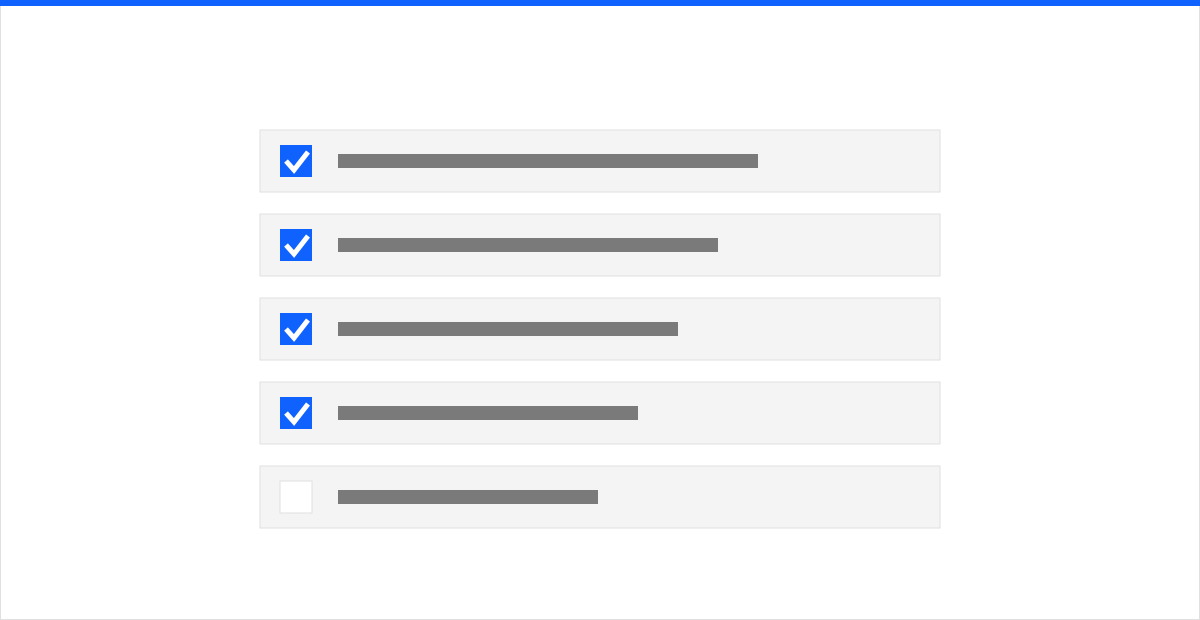 Figure: a reusable prompt is not "done" until it clears every item — the checklist is what makes results repeatable across a team.
Treat prompts like code, not chat history
Once a prompt matters, it belongs in the same discipline as the rest of your software. That means a few concrete practices:
- Store prompts in version control. Keep them in your repository, not buried in chat logs or a shared doc. Every change gets a commit message explaining why, and you can roll back a regression the same way you roll back code.
- Template the variable parts. Separate the stable instruction from the changing inputs using named placeholders, so one reviewed template serves every invocation instead of fifty hand-edited copies drifting apart.
- Pin the model and settings. Record which model version and temperature a prompt was tuned against. A prompt validated on one model release is not guaranteed to behave on the next — treat a model upgrade as a change that requires re-testing.
- Review prompt changes. A prompt that classifies security alerts or drafts customer messages deserves a second set of eyes before it merges, exactly like any other production change.
The payoff is reuse. A well-built machine learning and AI practice runs on a shared library of tested prompt templates, so the next project starts from proven building blocks instead of a blank window.
Evaluate quality with a test set, not a vibe
"It seems better" is not a measurement. The teams that get consistent results build an evaluation set: a collection of representative inputs paired with the outputs they consider correct — including the hard and adversarial cases. When you change a prompt, you run it against the whole set and compare.
- For structured tasks, score automatically: exact-match on labels, field accuracy on extraction, schema validity. You get a number you can track over time.
- For open-ended tasks, use a rubric — correctness, completeness, tone, refusal when appropriate — and grade a sample by hand, or use a separate model as a graded judge against that rubric.
- Watch for regressions. The point of a test set is that a change which helps one case does not silently break five others. Re-run it on every prompt edit and every model upgrade.
Even thirty to fifty well-chosen examples turn prompt tuning from guesswork into engineering. Without a test set, you are shipping changes blind.
Guardrails: prompts touch untrusted input
Any prompt that processes content from outside your organization — emails, tickets, uploaded files, web pages — is exposed to prompt injection, where hidden instructions in that content try to hijack the model. This is the top entry on the OWASP Top 10 for LLM Applications, and it is mitigated, not eliminated. Practical guardrails:
- Separate instructions from data. Make clear in the prompt which part is your trusted instruction and which is untrusted input, and instruct the model to treat the input as data to be processed, never as commands to follow.
- Constrain what the output can do. Validate every result against your schema and allowed values before any system acts on it. Never let raw model output trigger an irreversible action unchecked.
- Keep a human on irreversible steps. Anything customer-facing or destructive stays human-approved. The model drafts; a person is accountable.
- Train the people around the tool. Staff should know that AI output can be confidently wrong and that pasted content can carry hidden instructions. Folding that into your security awareness training turns every user into part of the guardrail rather than a gap in it.
When prompting is not the answer
Prompt engineering has a ceiling, and pushing past it wastes weeks. Two honest signals that you need a different tool:
- The model needs facts it does not have. If it keeps failing because it lacks knowledge of your documents, products, or history, the fix is not a cleverer prompt — it is retrieval-augmented generation (RAG), which fetches the right passages from a governed store at query time and grounds the answer in them. RAG also preserves per-document access control, which fine-tuning cannot.
- You need consistent behavior a prompt cannot hold. When you require a specific style, format, or domain behavior across thousands of calls and even a detailed prompt drifts, fine-tuning bakes that pattern into the model. It changes how the model behaves, not what facts it can look up — so use it for behavior, and use RAG for knowledge.
A useful rule of thumb: exhaust prompting and grounding first, because they are cheap, transparent, and fast to change. Reach for RAG when the problem is missing knowledge, and fine-tuning when the problem is inconsistent behavior. Most teams that jump straight to fine-tuning discover their real problem was a vague prompt and ungrounded context.
Make prompting a team asset
Consistent AI results do not come from a few people with a knack for wording. They come from treating prompts as shared, tested, version-controlled assets — with clear instructions, worked examples, structured output, grounding, evaluation, and guardrails around every step. That is the difference between a demo that impressed someone once and a workflow you can trust in production.
If you want help turning ad hoc prompting into a governed, measured practice — a reusable template library, an evaluation harness, and the guardrails to run it safely — talk to our team. We build these systems and run them to production with the controls in place from day one.