Network Documentation and Diagrams That Save the Day

Documentation is an outage control, not paperwork
At three in the morning, when a core link is flapping and revenue is stopping, the network engineer's first enemy is not the fault — it is not knowing how the network is supposed to work. Most of the clock during an outage is not spent fixing anything. It is spent reconstructing reality: which circuit feeds which building, what VLAN that subnet lives on, why traffic that should take the north path is taking the south one, and whether the device you are about to reboot is the one carrying production. Every minute of that reconstruction is mean time to recovery (MTTR) you are paying for in downtime.
Good documentation collapses that reconstruction phase. When the diagram is accurate and the address plan is queryable, the engineer skips straight from "something is wrong here" to "here is the failed component and here is its redundant path." Treat documentation the way you treat backups or monitoring — as an operational control that directly reduces the length of a bad day, not as a compliance chore you do once and let rot. Networks that recover fast almost always share one trait: the person on the keyboard trusts the map.
What to actually document
The failure mode of network documentation is not too little — it is a pile of stale Visio files nobody trusts. Document the layers deliberately, and separate them so each answers one question cleanly.
- Layer 1 (physical). Cabling, patch panels, cross-connects, ports, media, and the demarcation points where a carrier's responsibility ends and yours begins. This is the layer that answers "which physical thing do I go touch," so it must name racks, rack units, and port labels that match what is stenciled on the gear.
- Layer 2 (data link). Switching topology, VLANs and their purpose, trunk links, spanning-tree roots, link aggregation groups, and MAC-level segmentation. A VLAN table with only numbers is useless — each VLAN needs a name, an owner, and the subnet it carries.
- Layer 3 (logical). IP addressing, subnets, routing domains, gateways, VRFs, BGP peerings, and the paths traffic is supposed to take. This is the layer that explains intent: not just where packets go, but where they are meant to go.
- IPAM (IP address management). A single authoritative record of every subnet, allocation, VIP, and reservation. Spreadsheets drift within weeks; a real IPAM system prevents the duplicate-allocation and ghost-address problems that cause outages nobody can explain.
- Circuits and carriers. Circuit IDs, bandwidth, carrier, physical entry point, contract terms, and — critically — the support number and escalation path for each one. When a WAN link dies, the circuit ID and carrier NOC number are the two facts you need in the first sixty seconds.
- Dependencies. What breaks if this fails. Upstream and downstream relationships, shared power feeds, shared conduits, and the applications that ride each path. This is the layer most teams skip and the one that turns a small fault into a surprise cascade.
- Credentials — documented separately. Reference that a device has managed credentials and where they live, but never put passwords or keys in a diagram or wiki. Secrets belong in a vault or privileged access system with access control and an audit trail; the network doc points to them, it does not contain them.
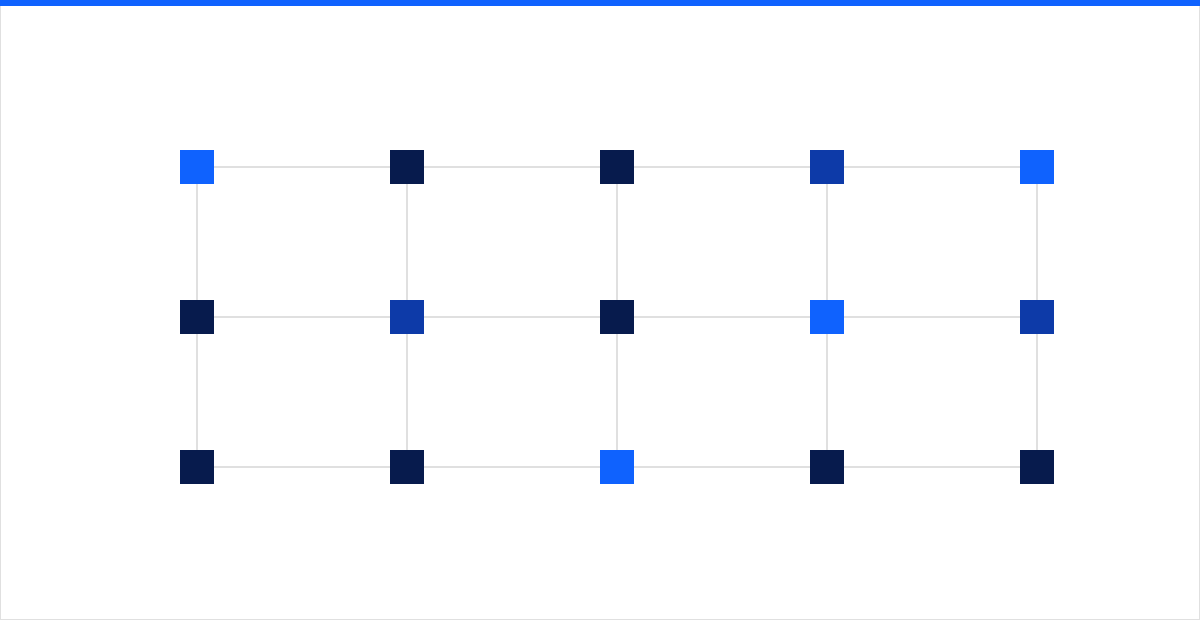 Figure: a real network is a mesh of interdependent nodes and paths — documentation's job is to make those hidden dependencies visible before a failure exposes them for you.
Across every layer, the discipline is the same one we apply when we run global networks for clients: document intent alongside state, so the diagram tells you not only how the network is wired but how it is supposed to behave.
Standards for diagrams people can actually read
A diagram is a communication tool, and most network diagrams fail as communication. They cram three OSI layers onto one canvas, use color to mean nothing in particular, and go stale the day after they are drawn. Impose standards so any engineer — including one who has never seen this network — can read them under pressure.
- One layer per diagram. Keep L1, L2, and L3 on separate views. A physical cabling map and a logical routing map answer different questions; overlaying them produces a picture that answers neither.
- A legend on every diagram. Define what each line style, color, and shape means. If red means "primary" on one diagram and "alert" on another, you have built a trap.
- Consistent, meaningful naming. Device names, interface labels, and site codes must match reality and match each other across diagrams, IPAM, and the monitoring system. A diagram that calls a device by a name the CLI does not recognize wastes the exact minutes you cannot spare.
- Show intent, not just wiring. Mark primary and backup paths, active-active versus failover, and the direction traffic is designed to flow. An engineer should be able to see at a glance which path is supposed to be carrying load.
- Date and version every artifact. An undated diagram is a rumor. Stamp each one with a last-verified date and a source, so a reader can judge whether to trust it.
- Right level of abstraction. A network overview should fit on a screen. Push detail into linked, layer-specific views rather than one wall-sized poster no one can parse.
Keep it current: a source of truth and automation
The reason documentation rots is that it is maintained by hand, separately from the network it describes, so the two drift apart until the docs are fiction. The fix is architectural, not motivational: stop treating the diagram as the source of truth and start generating it from one.
- Designate a single source of truth. A network source-of-truth platform — or a proper IPAM and DCIM system — holds the authoritative model of devices, interfaces, addresses, and connections. Diagrams and reports are rendered from it, so there is one place to update and one version of reality.
- Automate discovery and reconciliation. Run scheduled discovery against the live network and diff it against the documented state. Every discrepancy is either a documentation error or an unauthorized change — both worth knowing about immediately.
- Generate diagrams from data. Auto-generated L2 and L3 topology maps are never perfectly pretty, but they are never wrong, and "never wrong" beats "pretty and stale" every time an outage starts.
- Make documentation part of change management. No change is complete until the source of truth reflects it. Wire this into the change ticket so the update is a gate, not an afterthought someone means to do later.
- Feed monitoring from the same model. When your infrastructure monitoring is built from the documented topology, an alert can point straight at the affected dependency chain — and monitoring gaps immediately reveal documentation gaps.
This is exactly how mature operations teams keep drift out of the picture. When we run complete IT support for a client, the documentation is not a deliverable we hand over once — it is a living system tied to discovery, change control, and monitoring, so it is accurate on the day it matters.
The map you can trust on the worst day
Network documentation earns its entire budget in the minutes it removes from an outage. Accurate L1/L2/L3 diagrams, a queryable IPAM, circuits and carrier contacts at your fingertips, mapped dependencies, and credentials safely vaulted elsewhere — kept honest by a source of truth and automated reconciliation — turn the reconstruction phase of an incident from twenty frantic minutes into two calm ones. That is not paperwork. That is MTTR you get to keep.
If your diagrams are older than your last three changes, that gap is an outage waiting to be longer than it needs to be. Talk to our network team and we will help you build documentation that stays current and holds up on the day everything else does not.