Enterprise Wi-Fi 6E: Designing Wireless That Keeps Up

What 6E actually adds: a clean 6 GHz band
Wi-Fi 6E is not a new radio technology. It is Wi-Fi 6 (802.11ax) given permission to operate in a band it never had before. In the US, the FCC opened 1,200 MHz of spectrum from 5.925 to 7.125 GHz for unlicensed use, and that is the entire story worth caring about. The 2.4 GHz band offers three usable non-overlapping 20 MHz channels. The 5 GHz band, after you account for DFS radar-avoidance channels that many client devices dislike, gives you a couple dozen. The 6 GHz band adds roughly 59 new 20 MHz channels — or, more usefully, seven clean 160 MHz channels wide enough to carry multi-gigabit traffic without stepping on a neighbor.
Three practical consequences follow:
- No legacy tax. Only Wi-Fi 6E and newer clients can transmit in 6 GHz. There are no 802.11b/g/n devices dragging the band down to their data rates, no chatty old IoT sensors, no neighbor's decade-old access point. The band starts clean and stays cleaner.
- Wide channels become realistic. In 5 GHz, running 160 MHz channels in a dense deployment is usually a fantasy — you run out of non-overlapping spectrum after two or three APs. In 6 GHz you can actually plan 80 or 160 MHz channels across a floor, which is where the multi-gig headline numbers come from.
- Lower, more predictable latency. Less contention means fewer retransmissions and shorter queue times. For voice, video conferencing, and real-time applications, consistency matters more than peak throughput, and a clean band delivers consistency.
The band is the product. Everything else in this post is about the engineering that determines whether you capture that benefit or waste it.
The standard is the easy part; the survey is the job
Buying 6E access points is a purchasing decision. Making them perform is a design decision, and the design lives and dies on a proper site survey. Higher-frequency radio is less forgiving: 6 GHz signal attenuates faster than 5 GHz through drywall, glass, and especially the concrete, steel, and insulated walls of real buildings. An AP layout that worked fine for your 5 GHz network will leave 6 GHz coverage holes, because the same wall that cost you a few decibels at 5 GHz costs you more at 6 GHz.
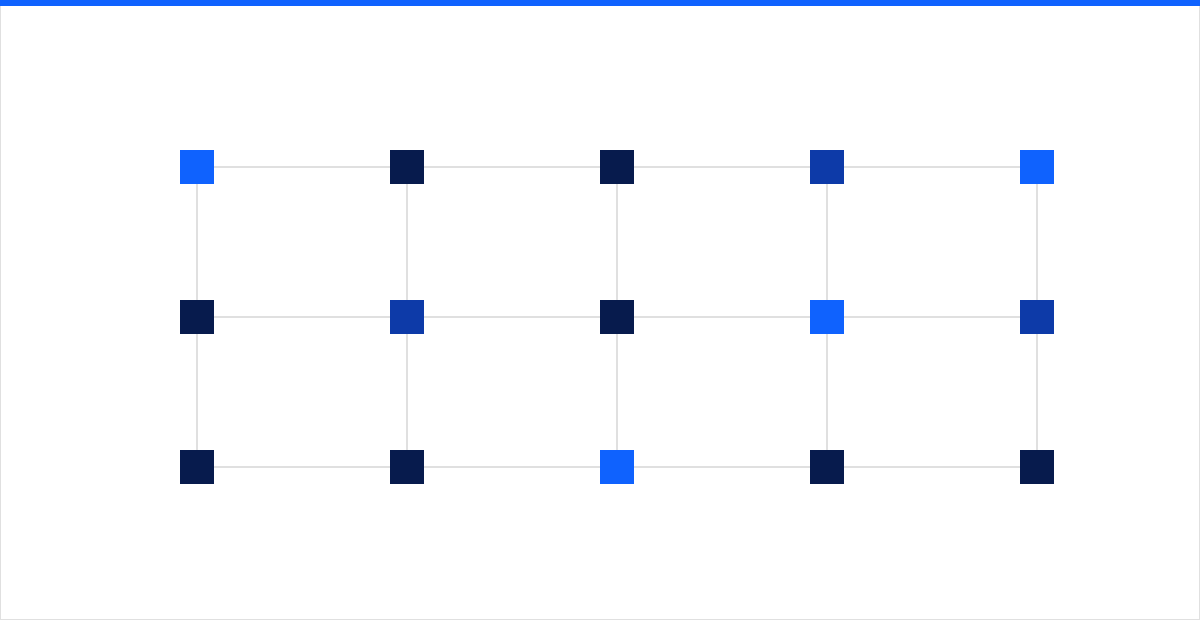 Figure: coverage is a deliberate mesh of overlapping cells sized to the building, not APs dropped on a convenient grid.
A real survey is done in three passes, and skipping any of them is where projects go wrong:
- Predictive. Model the floor plan with actual wall materials and attenuation values before anyone visits. This produces a candidate AP count and placement, not a final answer.
- On-site validation (AP-on-a-stick). Mount a real 6E AP at proposed locations and measure actual signal, noise, and data rates against the materials that are truly in the walls. Predictive models are a hypothesis; the building is the truth.
- Post-install verification. After deployment, walk the space and confirm coverage, roaming behavior, and cell overlap match the design. Continuous infrastructure monitoring then keeps the network honest as furniture, occupancy, and interference change over time.
Design to a signal target that fits the use case — commonly around -67 dBm for voice and dense client environments, with 15 to 20 percent cell overlap so a client can roam to a neighboring AP before it loses the current one. Coverage is not the goal; capacity per square foot is.
AP placement and density beat the spec sheet
The instinct to buy fewer, more powerful APs and space them far apart is exactly wrong for a high-density band. Wi-Fi capacity comes from reusing spectrum across many small, well-planned cells, not from a handful of loud radios fighting each other.
- Design for clients per AP, not square feet per AP. A conference room that seats 30 has very different requirements from a warehouse aisle. Count devices, including phones, laptops, and wireless peripherals, and size cells to the busiest realistic load.
- Mount APs where the users are, at the right height. Ceiling mounts at 9 to 12 feet generally work; APs buried above dropped ceilings, in metal enclosures, or behind obstructions do not. In warehouses and high-bay spaces, directional antennas aimed down the aisles beat omnidirectional APs on the ceiling.
- Turn power down, not up. Cranking transmit power to maximum enlarges cells, increases co-channel interference, and creates sticky clients that cling to a distant AP. Lower power with more APs yields more total capacity.
Wired backhaul and PoE are where budgets get real
A 6E access point can push well past a gigabit of real throughput under load. If it connects to the switch over a single 1 Gbps port, that port is now the bottleneck and you have spent money on radios you cannot feed. This is the most common and most expensive oversight in 6E projects, because it lands on the wired side of the house.
Plan the physical layer deliberately:
- Multi-gig uplinks. Provision 2.5GbE, 5GbE, or 10GbE switch ports for 6E APs. Good news: 2.5GbE and 5GbE run over existing Category 5e and Category 6 cabling for typical runs, so you often do not need to re-pull cable — but you do need switches that support multi-gig.
- Power budget for 802.3bt, not 802.3at. Many 6E and Wi-Fi 7 APs draw more than the roughly 25 watts that PoE+ (802.3at) delivers at the device, and will boot in a degraded mode — radios or ports disabled — when underpowered. Specify PoE++ (802.3bt) switches and confirm each AP's actual draw. A subtle trap: a switch's total PoE budget is finite, so a fully populated 48-port switch may not be able to power every port at 802.3bt simultaneously. Read the power budget, not just the per-port rating.
- Redundancy and monitoring. Uplink resilience, UPS-backed PoE, and switch redundancy determine whether the wireless survives a wired fault. The access layer is only as available as the network behind it.
Channel, power, and the WPA3 baseline
With the physical design set, tune the RF and lock down access.
- Let a good RRM do the work, then check it. Automatic radio resource management assigns channels and power to minimize interference, but validate its output. Decide up front whether to run 80 or 160 MHz channels: 160 MHz maximizes single- client throughput but halves the number of non-overlapping channels, which hurts in very dense deployments. 80 MHz is the pragmatic default for most enterprise floors.
- Use standard-power and AFC only where it fits. Indoor deployments typically run low-power indoor (LPI) mode, which needs no coordination. Standard-power operation — for higher output or outdoor use — requires Automated Frequency Coordination (AFC) to protect licensed incumbents. Know which mode each AP uses.
- WPA3 is mandatory in 6 GHz, and that is a feature. The 6 GHz band does not permit legacy open or WPA2 security; every association uses WPA3, with Enhanced Open (OWE) for guest networks that previously ran wide open. This raises the floor for network security across the wireless estate, and it pairs naturally with segmentation so guest, IoT, and corporate traffic never share a broadcast domain.
A look toward Wi-Fi 7
Wi-Fi 7 (802.11be) builds on the same 6 GHz foundation, so a well-engineered 6E deployment is the on-ramp, not a dead end. The headline features are 320 MHz channels (double 6E's widest), 4096-QAM for denser encoding, and Multi-Link Operation (MLO), which lets a client use 5 GHz and 6 GHz simultaneously for higher throughput and faster failover between bands. The important planning insight: the cabling, multi-gig switching, and PoE++ power you provision for 6E are exactly what Wi-Fi 7 needs. Build the wired and physical layer right now, and the upgrade later is a matter of swapping access points, not re-pulling cable or replacing switches.
Get the engineering right, and the band pays off
Wi-Fi 6E delivers a genuinely better wireless experience, but the gain comes from disciplined design — a real site survey, cells sized to the building, multi-gig backhaul, honest PoE budgeting, sane channel and power planning, and WPA3 by default — not from the sticker on the box. intSignal designs, deploys, and monitors enterprise wireless as part of the wider network it connects to, so coverage, capacity, and security hold up under real load. Talk to our network team to survey your sites and build a 6E network that keeps up today and takes Wi-Fi 7 without a forklift.