IPv6 Migration: Planning the Transition You Can't Avoid Forever

The clock you have been ignoring is about to cost you
IPv4 has been "running out" for so long that the warning stopped registering. But the regional registries exhausted their free pools years ago, and the consequences are now operational rather than theoretical. Buying a block of IPv4 on the transfer market runs into the tens of dollars per address and climbs every year, so a modest /24 is a five-figure line item that used to be free. More importantly, the workaround providers deployed to stretch the remaining space — carrier-grade NAT (CGNAT) — is quietly breaking things your users depend on.
CGNAT hides hundreds or thousands of subscribers behind a single public IPv4 address. When one of them gets a destination blocked for abuse, everyone sharing that address is blocked too. Geolocation lands in the wrong city. Inbound connections, port forwarding, and some VPN and VoIP setups fail because there is no real public address to reach. Every one of those is a support ticket with no fix on the IPv4 side. IPv6 is not a science project or a compliance checkbox — it is the only path that adds address space instead of rationing it, and it only gets more expensive the longer you defer it.
Dual-stack is the pragmatic path, not a flag day
The instinct to "switch to IPv6" as a single cutover is exactly the wrong model. You cannot turn off IPv4 while the rest of the internet still speaks it, and you should not run IPv6-only internally until your tooling, monitoring, and vendors are proven. The pragmatic answer, and the one nearly every mature network runs today, is dual-stack: every host and every link carries both an IPv4 and an IPv6 address at the same time. Clients use Happy Eyeballs (RFC 8305) to try both and prefer whichever connects fastest, so users never notice which protocol carried their traffic.
Dual-stack buys you the one thing a flag day cannot: reversibility. Enable IPv6 on a segment, watch it, and if something misbehaves the IPv4 path is still there carrying production. You are adding a lane, not replacing the road. The long-term destination is IPv6-mostly — IPv6 everywhere with IPv4 preserved only where a legacy dependency requires it, often via NAT64/DNS64 at the edge — but you earn your way there one validated segment at a time.
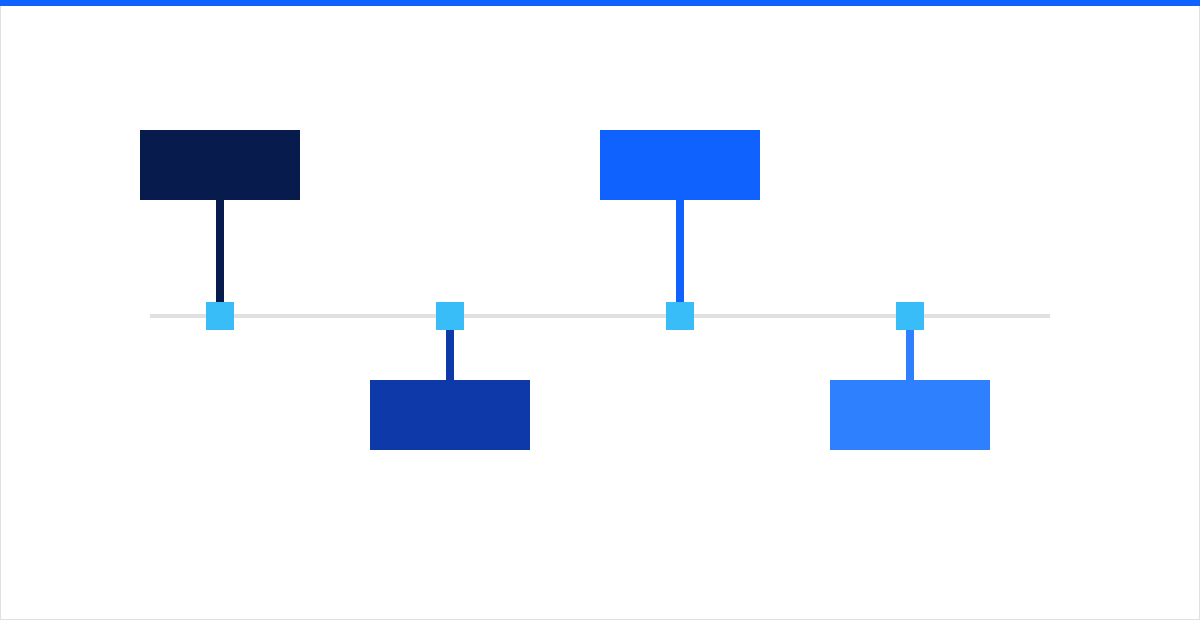 Figure: dual-stack turns an all-or-nothing cutover into a sequence of reversible steps, so each segment proves out on IPv6 while IPv4 stays live underneath it.
Build the addressing plan before you touch a router
The single biggest mistake teams make is treating IPv6 like IPv4 with longer addresses and improvising subnets as they go. IPv6 is not scarce, and the plan should reflect that abundance with structure. A few rules that will save you a re-addressing project later:
- Get a proper allocation. Request a /48 from your provider (or a /32 if you go the provider-independent route through a registry). A /48 gives you 65,536 /64 subnets — plan as if space is free, because effectively it is.
- Always subnet on /64 boundaries. This is not a suggestion. SLAAC and many other mechanisms assume a /64 per LAN. Do not carve a /64 into smaller pieces for hosts; use /127 only on point-to-point router links where it is explicitly sanctioned.
- Encode meaning in the bits. With a /48 you have 16 bits of subnet space. Reserve nibbles for site, then role (production, guest, management, DMZ), then VLAN. A readable scheme like a fixed prefix per site makes firewall rules and troubleshooting far simpler than random assignment.
- Do not port IPv4 habits. You are not conserving addresses, so stop sizing subnets to host counts. Every LAN is a /64 regardless of whether it holds three devices or three hundred.
Document this plan and treat it as authoritative before any device gets an address. Re-addressing an IPv6 network you improvised is more painful than the IPv4 renumbering you were trying to escape.
SLAAC vs DHCPv6: know what each gives you
Address assignment is where IPv6 genuinely differs from what you know, and the two mechanisms are not interchangeable.
- SLAAC (Stateless Address Autoconfiguration) lets a host build its own address from the /64 prefix the router advertises. It is simple and needs no server, but in its basic form there is no central record of which host holds which address — a problem for auditing and DNS.
- DHCPv6 provides stateful assignment and the option records (DNS servers, and via prefix delegation, downstream subnets) that an enterprise expects. The catch: Android devices still do not support stateful DHCPv6 addressing, so a DHCPv6-only network will not fully serve them.
For most enterprises the right answer is both: SLAAC for address formation with the Router Advertisement flags set so clients also query DHCPv6 for DNS and options, or stateful DHCPv6 where you need deterministic assignment and complete logs. Decide this per segment. And plan for privacy extensions (RFC 8981), which rotate a host's address for outbound connections — good for user privacy, but something your logging, infrastructure monitoring, and DHCP records must be built to track rather than fight.
Security parity: there is no NAT to hide behind
The most dangerous assumption in an IPv6 rollout is that NAT was your firewall. It never was — NAT is address translation that happened to block unsolicited inbound traffic as a side effect. IPv6 restores true end-to-end addressing, which means every internal host can, in principle, be reached directly from the internet. Your stateful firewall now has to do explicitly what NAT did by accident: default-deny inbound, permit established and related return traffic, and open only what you intend.
Concrete parity work for a dual-stack cutover:
- Mirror every IPv4 rule in IPv6. A firewall policy that is airtight on IPv4 and empty on IPv6 is an open door. Audit both address families for every zone.
- Do not blindly block all ICMPv6. IPv6 depends on ICMPv6 for Neighbor Discovery and Path MTU Discovery. Filtering it wholesale, as many teams reflexively do with ICMP, breaks connectivity in ways that are miserable to diagnose. Follow RFC 4890 for what to permit.
- Control Router Advertisements. Enable RA Guard and DHCPv6 snooping on access switches so a rogue or misconfigured device cannot advertise itself as the default router and hijack a segment.
- Extend detection and logging. Confirm your SIEM, flow collection, and threat detection parse IPv6 addresses everywhere — allowlists, geo-IP, and correlation rules included.
This is the phase where a rollout most often goes wrong, and it is worth a formal review of your network security posture across both protocols before you enable IPv6 on any segment that faces users or the internet.
Application and service readiness
Even a perfectly addressed, well-firewalled network fails if the software on top assumes 32-bit addresses. Before you widen the rollout, verify:
- DNS carries AAAA records for anything that should answer over IPv6, and your resolvers serve both families cleanly.
- Application code and logs handle 128-bit addresses. Hunt for database columns sized for IPv4 text, regexes that only match dotted-quad, and allowlists keyed on IPv4. This is where legacy in-house apps break.
- Load balancers, WAFs, and reverse proxies listen on IPv6 and preserve the real client address to the backend rather than collapsing everyone to one origin.
- Every vendor and SaaS dependency actually supports IPv6 on the path you need. Some still do not, and those become your NAT64 or dual-stack-forever exceptions.
A phased rollout that stays reversible
The sequence below front-loads learning on low-risk segments and keeps IPv4 as the safety net throughout:
- Plan and pilot. Finalize the addressing plan, obtain allocations, and enable dual-stack on a lab and a friendly internal segment. Validate SLAAC/DHCPv6 behavior and monitoring.
- Edge and public services. Add AAAA records and IPv6 listeners to your public-facing sites and DNS, behind firewall rules built for parity. External IPv6 is well-trodden and delivers visible reachability wins.
- Internal user segments. Roll dual-stack to office and remote-access networks in waves, watching Happy Eyeballs behavior and support tickets after each.
- Data center and core. Bring server segments and core routing onto IPv6 once edge and clients are proven.
- Trend toward IPv6-mostly. Retire IPv4 from segments that no longer need it, keeping translation only for genuine legacy exceptions.
At each step you are validating one layer while the previous one holds steady — the opposite of a flag day.
Where to start
IPv6 migration is a multi-quarter program that touches addressing, routing, firewalls, DNS, and applications at once, which is precisely why it stalls when it is treated as a side project. intSignal designs and operates dual-stack transitions across enterprise global networks — building the addressing plan, achieving security parity on both protocols, and sequencing the rollout so nothing in production goes dark. If CGNAT is already generating tickets or your IPv4 costs are climbing, talk to our network team about a readiness assessment and a phased plan you can actually execute.