Enabling Remote and Hybrid Work: The IT Foundation

The office was a security control, and it left the building
For most of IT history, the office did quiet work nobody wrote down. It authenticated people by letting them badge through a door. It enforced device health by only handing out machines IT had imaged. It contained threats inside a firewall and kept sensitive data on servers in a room down the hall. When the workforce scattered to homes, client sites, and airports, all of that implicit control walked out with it — and a lot of organizations discovered they had been relying on the building itself as their strongest security and management layer.
Enabling remote and hybrid work well is not about buying a VPN and a video conferencing license. It is about rebuilding, explicitly and deliberately, the controls the office used to provide for free. The organizing principle of the replacement is simple: when location no longer signals trust, identity and device posture become the perimeter. Everything below follows from that single shift.
The new control plane is identity, not the network
If a user's location can no longer be trusted, every access decision has to be made somewhere else — at the identity layer. This is why a remote-work program that skips identity modernization is building on sand.
The non-negotiable foundation is single sign-on in front of every application, with phishing-resistant multi-factor authentication behind it. Consolidating authentication into one identity and access management platform does three things at once: it gives users one strong login instead of dozens of weak passwords, it gives IT one place to grant and revoke access, and it becomes the point where you can evaluate signals about each request. Those signals — who the user is, what group they belong to, whether their device is managed and healthy, where and when they are connecting — are what conditional access policies act on.
Concretely, a mature setup enforces rules like these:
- Require compliant, managed devices for access to finance and HR systems; allow browser-only, restricted access from unmanaged personal devices.
- Step up authentication when risk signals appear — a new location, an impossible-travel event, an unrecognized device.
- Block legacy authentication protocols outright, since they bypass MFA and remain a leading path into cloud tenants.
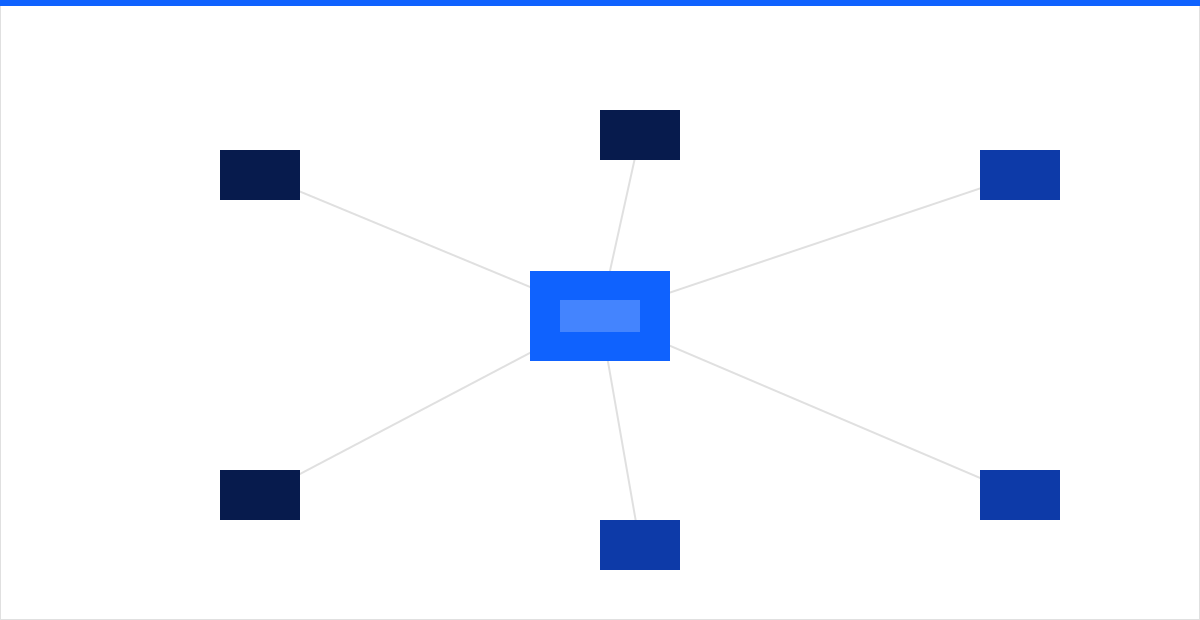 Figure: with the office gone, a cloud-delivered identity and access edge becomes the hub every user, device, and application connects through.
Managed endpoints: the laptop is the new field office
Identity decides who gets in; the device decides whether that is safe. A remote workforce means IT manages hardware it will never physically touch, so the enrollment and baseline have to be enforced over the internet from day one. Endpoint and device management delivers this through zero-touch enrollment — a machine ships from the vendor straight to the employee, and configures itself on first boot against your policy.
The baseline every managed endpoint should meet is short and strict:
- Full-disk encryption with recovery keys escrowed to your management platform, so a lost laptop is an inconvenience rather than a breach.
- Enforced patching on a defined deadline — critical operating-system and browser updates applied within days, with a reboot forced if the user keeps deferring. Known, unpatched vulnerabilities remain one of the most reliable initial-access vectors in the Verizon DBIR year after year.
- A hardened configuration aligned to a recognized benchmark such as the CIS baselines: local admin rights off by default, screen-lock timeouts on, unused services disabled.
- Endpoint detection and response on every device, feeding a service that actually watches it, because a device that is the perimeter needs a guard who does not go home at 5 p.m.
The connective tissue between the last two sections matters most: an out-of-compliance device should lose access to sensitive systems until it is healthy again. Identity and device management are not two projects — they are one control loop.
ZTNA over VPN: stop putting the whole company on a flat network
The default remote-access tool for two decades was the VPN, and it is quietly the weakest link in most remote-work setups. A traditional VPN drops an authenticated user onto the corporate network as if they had walked into the building — which means a single compromised laptop or stolen credential now has broad lateral reach. It also hairpins all traffic through a concentrator that was never sized for an entire workforce logging in at once.
Zero Trust Network Access inverts the model. Instead of granting network membership, ZTNA brokers access to one specific application at a time, based on verified identity and device posture, and never exposes anything the user is not explicitly entitled to reach. Users cannot see, let alone attack, systems they have no business touching. Delivered as part of a secure access service edge, that brokering happens close to the user from the cloud rather than backhauling to headquarters, so remote access is both safer and faster.
The practical migration is incremental. Run ZTNA alongside the existing VPN, move one application group at a time, and decommission VPN access per app as coverage proves out. Each application you move off the VPN is a standalone reduction in blast radius.
Collaboration and the home network you do not own
Enablement is not only security — people have to actually get work done. That means a coherent collaboration stack (chat, meetings, file sharing, and co-authoring) standardized on one platform rather than a sprawl of overlapping tools, with data-loss controls applied where regulated content lives. Fragmented tooling is not a convenience problem; every unmanaged sharing channel is a place data leaks.
The home network is the piece IT cannot directly control, so the strategy is to depend on it as little as possible. Because access is gated on identity, device health, and per-application brokering, a compromised home router is far less catastrophic than it would be in a perimeter model. Give employees clear, enforceable guidance rather than vague advice:
- Change default router credentials and keep firmware current.
- Use WPA3 or WPA2 with a strong passphrase; never an open network.
- Keep work on the managed device only — no corporate data on the family PC.
Onboarding and offboarding at a distance
Joiner-mover-leaver is where distributed IT leaks the most risk, because the old backstop — someone physically collecting a badge and a laptop — is gone. Both ends have to be automated and tied to identity.
- Onboarding: a new hire's identity, group memberships, application access, and a zero-touch device are provisioned from a single request. They unbox the laptop, sign in with corporate credentials, and are productive within an hour, no support ticket required.
- Offboarding: disabling the login is only half the job. Cached credentials, synced files, and the device itself have to be revoked in the same motion. Tie device retirement into the identity lifecycle so access, data, and hardware are reclaimed together — and verify the remote wipe actually completed rather than trusting that it did.
Measure the experience, not just the uptime
A remote-work program can be secure and still quietly miserable to use, and users who fight their tools route around them — the exact behavior that creates shadow IT. Digital employee experience (DEX) is the discipline of measuring what work actually feels like from the endpoint: device boot and login times, application crash rates, network latency to the apps people use, and the volume of friction tickets. Good DEX tooling catches a degraded experience — a slow VPN region, a failing patch, a memory-starved laptop — before the user files a ticket, and often before they notice.
Pair that telemetry with a support model built for distributed work. A managed IT help desk for remote teams needs remote diagnostics and remediation, coverage across the time zones your people actually work in, and the ability to reach into a managed endpoint anywhere without asking the user to "bring it in." The measure of success is not tickets closed — it is friction removed before it becomes a ticket at all.
Building the foundation
Remote and hybrid work is not a temporary accommodation to bolt onto an office-era IT stack; it is the operating model, and it rewards organizations that rebuild their controls around identity and device instead of location. Sequence it so each step pays off on its own: consolidate identity with SSO and strong MFA, bring every endpoint under management, replace flat VPN access with per-application ZTNA, then instrument the experience so you are improving it rather than guessing.
intSignal designs and operates this foundation end to end — identity and access, managed endpoints, secure access, and a help desk built for a workforce that could be anywhere. If your remote setup still assumes a perimeter that left the building, talk to our team for a candid read on where to start.